
Student Support Finder
Explore the ToolThis tool is proprietary to my employer. The version linked here has been recoded and unbranded for portfolio purposes. Proprietary resources have been redacted.

Context & My Role
As a student adviser at an online secondary school serving grades 7 through 12, I built the Student Support Finder to close a need I identified in how our advising team was connecting students to support. The Finder is an interactive decision tree, built in Claude Code, that guides students through a series of questions about what feels hard about school, then routes them to a specific resource, tool, or next step based on their responses. Advisers use it in meetings to provide targeted, in-the-moment support, and students will soon be able to access it independently through our curriculum portal. I designed and developed the entire tool end-to-end, including a Google Sheets backend that allows any team member to update pathways and resources without touching the code.
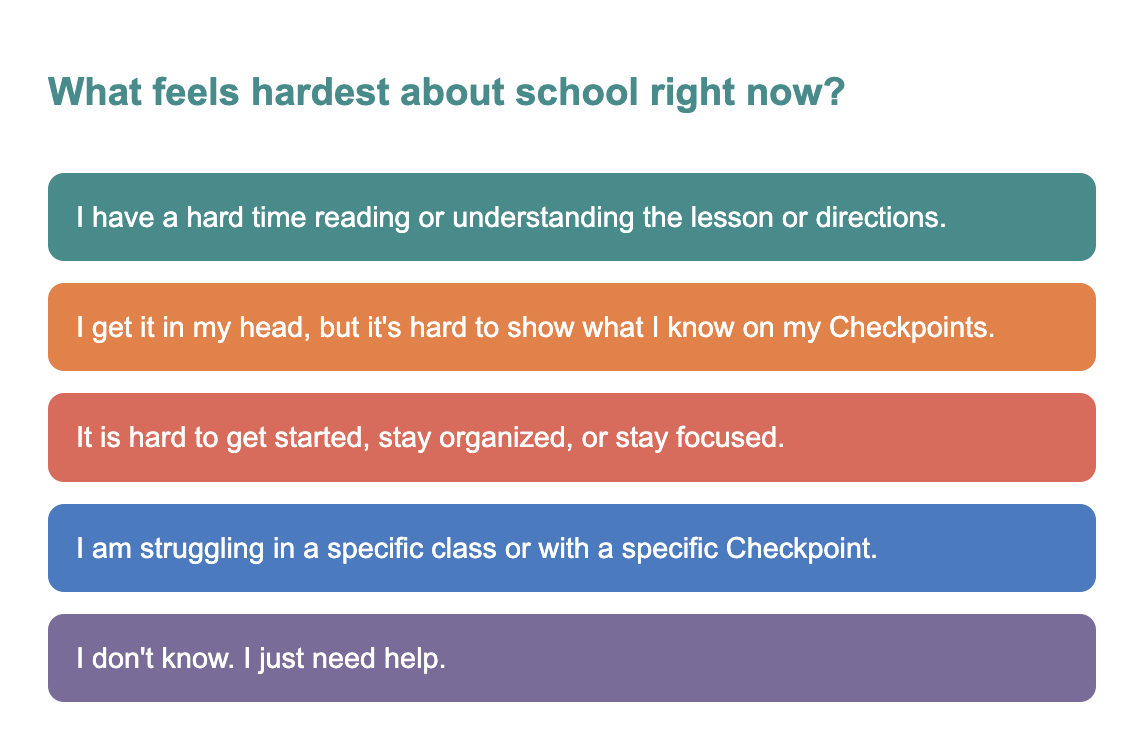
Starting questions

The Problem Worth Solving
Two patterns kept showing up in my advising work. First, students would say everything was fine even when their data told a different story. It was clear they didn't have the language to name what they needed, or felt shy about admitting challenges. Second, I didn't have a way to surface our school's support resources quickly in a student meeting in a way that responded to the student in front of me. The result was that students weren't getting the full picture of what was available to them, and advisers, including me, were defaulting to the same small set of suggestions.
The Student Support Finder addresses both problems. By giving students a structured set of multiple choice questions about what feels hard, it normalizes struggle and helps them articulate their needs in a low-stakes way. For advisers, it functions as a job aid: a way to diversify recommendations and stay resourced in the moment.

My Strategic Approach
The most important framing decision I made early was to design for two audiences simultaneously. Students use the tool for self-directed support; advisers use it to guide support for someone else.
I built this tool without being asked. I saw the need in my own advising practice, built a prototype, and shared it with colleagues. The enthusiasm was immediate, and that response shaped how seriously I took the next phase of development. Building something that solves your own problem first, then discovering it solves your colleagues' problem too, is a useful signal that you've identified something worth designing.
As I mapped the decision tree, I identified four gaps in our existing resource library and created the missing materials myself: a Marie Kondo-inspired guide to clearing your workspace in four steps, an outlining guide, the PINCH Framework for re-engaging with work that feels boring, and a strategies guide for learning in a new language, drawing on my years of experience teaching English learners.
The Google Sheets backend was a practical choice for sustainability: the decision tree is fed by a published spreadsheet, which means any team member can update pathways, swap resources, or add new options without touching the code.
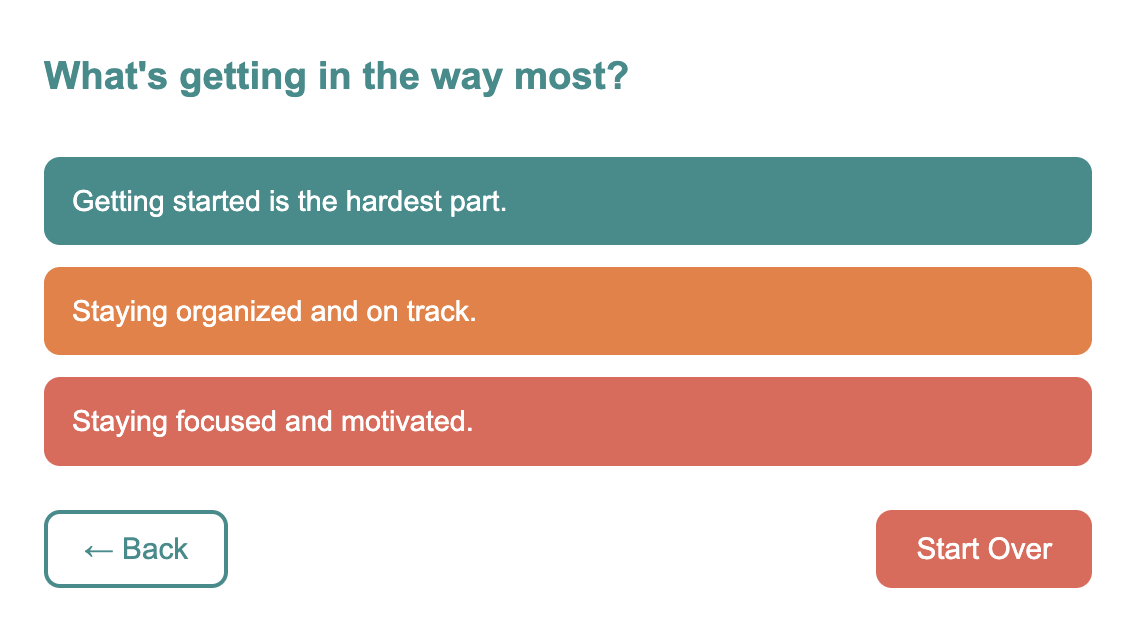
In the middle of the decision tree

The Learner Experience
Students are met with a single question — what feels hard about school right now — and work through a short branching sequence that gets progressively more specific, ending somewhere concrete: a linked tool, a piece of advice, a form, or a next step.
The interface is text-only, and that was a direct response to student feedback. Our school had heard from students that existing resources felt too young, visually messy in a way that was not age-appropriate for teenagers navigating real academic challenges. That feedback was front of mind as I designed the Finder. A clean, text-based interface communicates maturity and respects the learner.
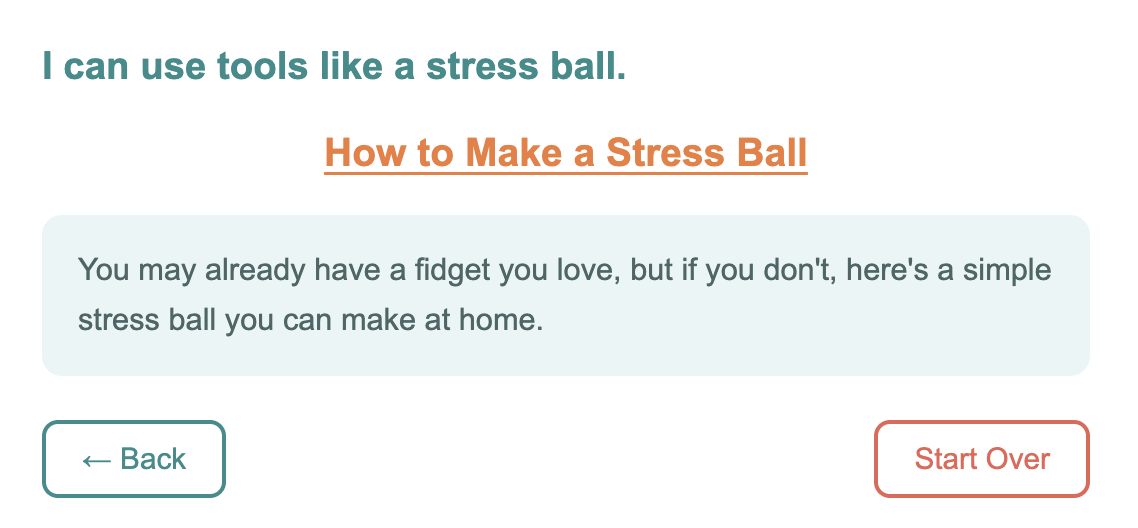
Example results page

From Design to Delivery
Building the decision tree required mapping every presenting problem I had encountered as an adviser and tracing it to its most likely root cause. The process revealed that the same presenting problem often has multiple possible causes. A student struggling to start an assignment might be dealing with anxiety, executive functioning challenges, or simply not understanding the directions. Early versions of the tool had sprawling pathways that tried to capture every variation. Through iteration, I consolidated, recognizing that different surface presentations often led to the same underlying need and the same useful resource. The final tool is leaner and more navigable as a result.
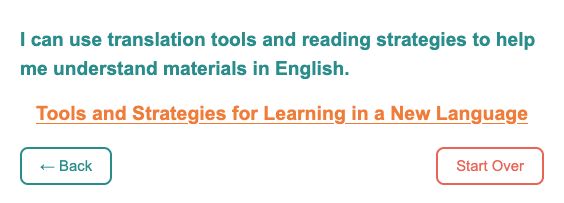
Example results page

Results & Reflection
The tool launches to staff this summer. I'll have more reflections soon!
Building the Student Support Finder revealed another project: organizing and building out our entire student-facing resource infrastructure. The finder points students to strong starting-point resources, but we need to do more work developing and organizing resources for students with specific, sustained learning needs. The vision is a student and advisor-facing resource hub embedded directly in our portal — organized, searchable, and built for our specific school context rather than patched together from external links. The first phase of that work picks up where the Finder left off: auditing what we have, organizing it logically, and identifying what still needs to be built.